Design · Design systems
ONE SYSTEM, EVERY SCREEN
What you get
WHAT'S INCLUDED
Every project is scoped to what you need. These are the building blocks we combine.
- [01]
UI audit
An inventory of what you have today and where it is inconsistent.
- [02]
Design tokens
Colour, type, spacing and radius as variables that work in Figma and code.
- [03]
Component library
Buttons to complex patterns, with variants and every state.
- [04]
Documentation
When to use what, with do and don't examples your team will actually read.
- [05]
Code alignment
Components matched to React or your stack together with your developers.
- [06]
Rollout
A plan to move existing screens onto the system without stopping the roadmap.
How it runs
FROM FIRST CALL TO LAUNCH
- [01]
Audit
Collect every screen and component and find the patterns.
- [02]
Foundations
Tokens and core components first, agreed with design and engineering.
- [03]
Library
The full component set with documentation and examples.
- [04]
Adopt
Migrate key screens and train the team to keep it alive.
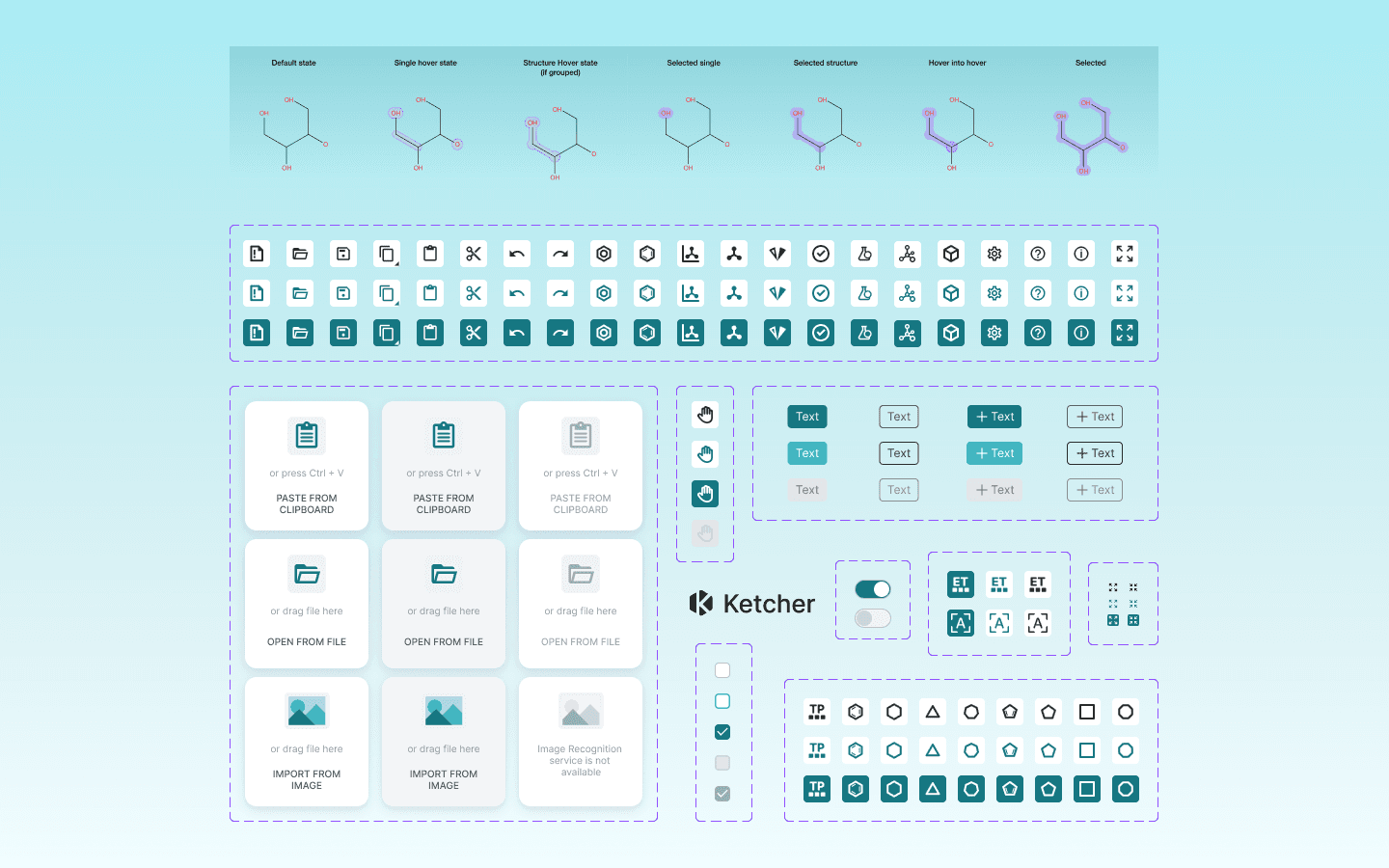
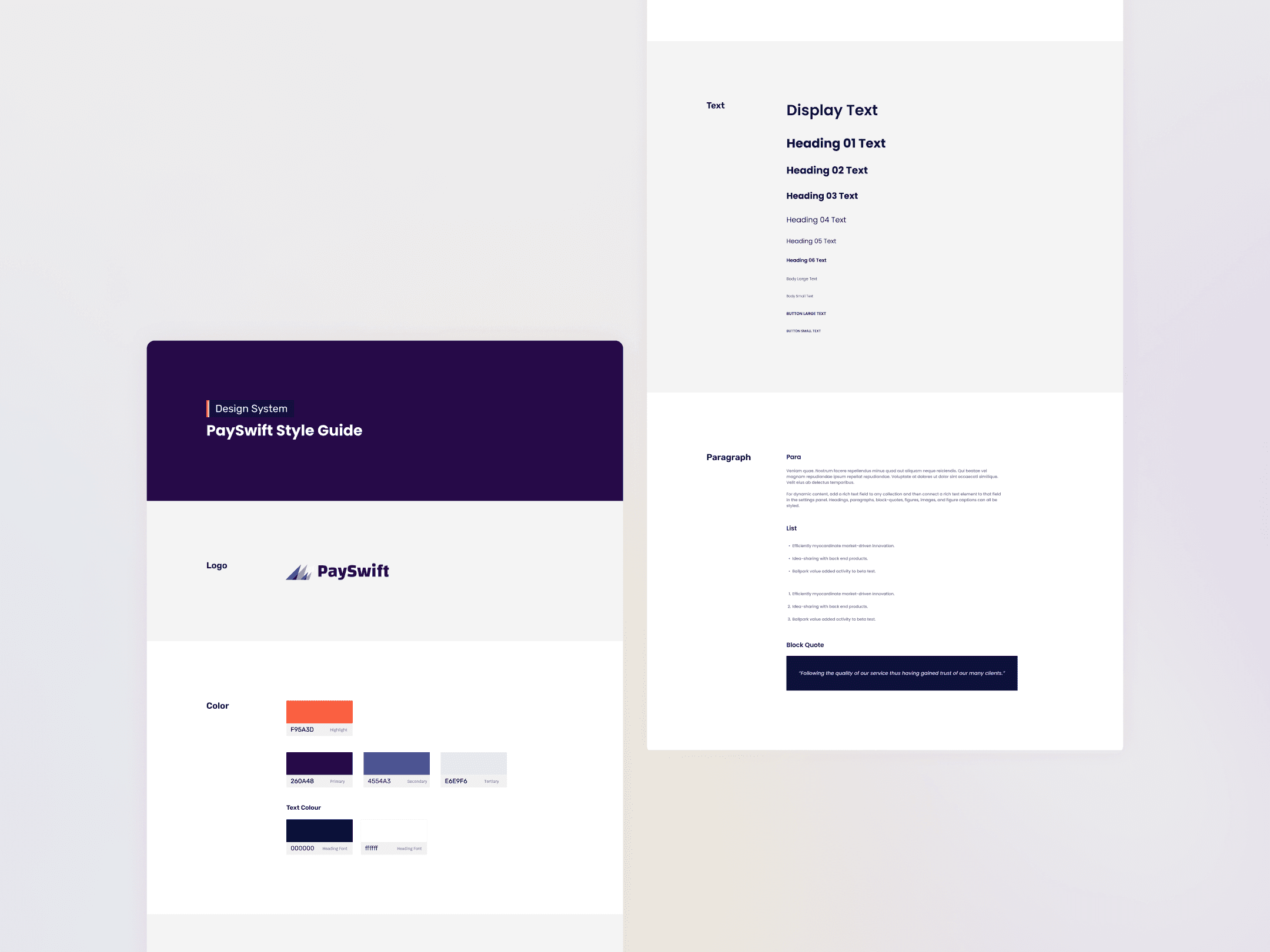
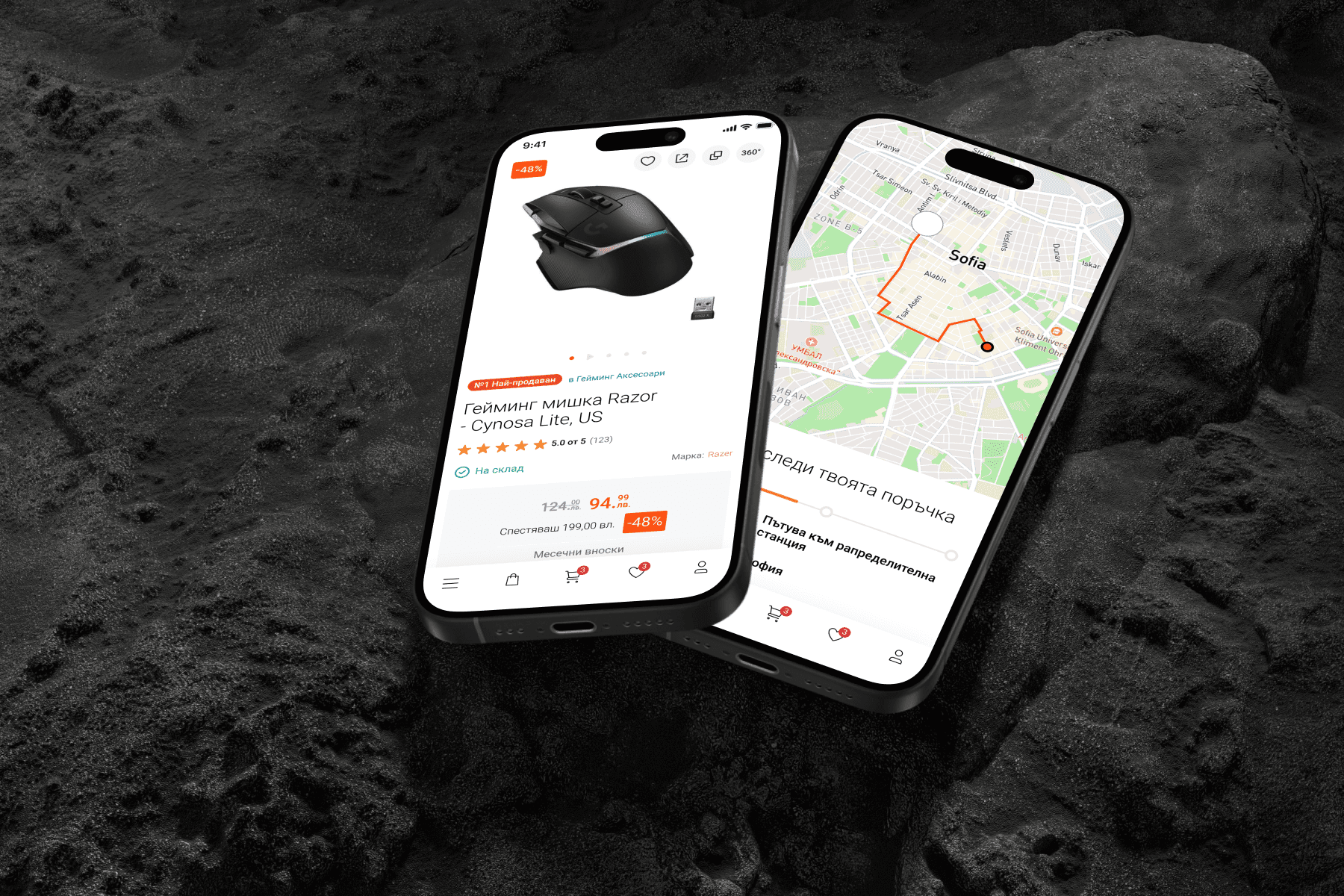
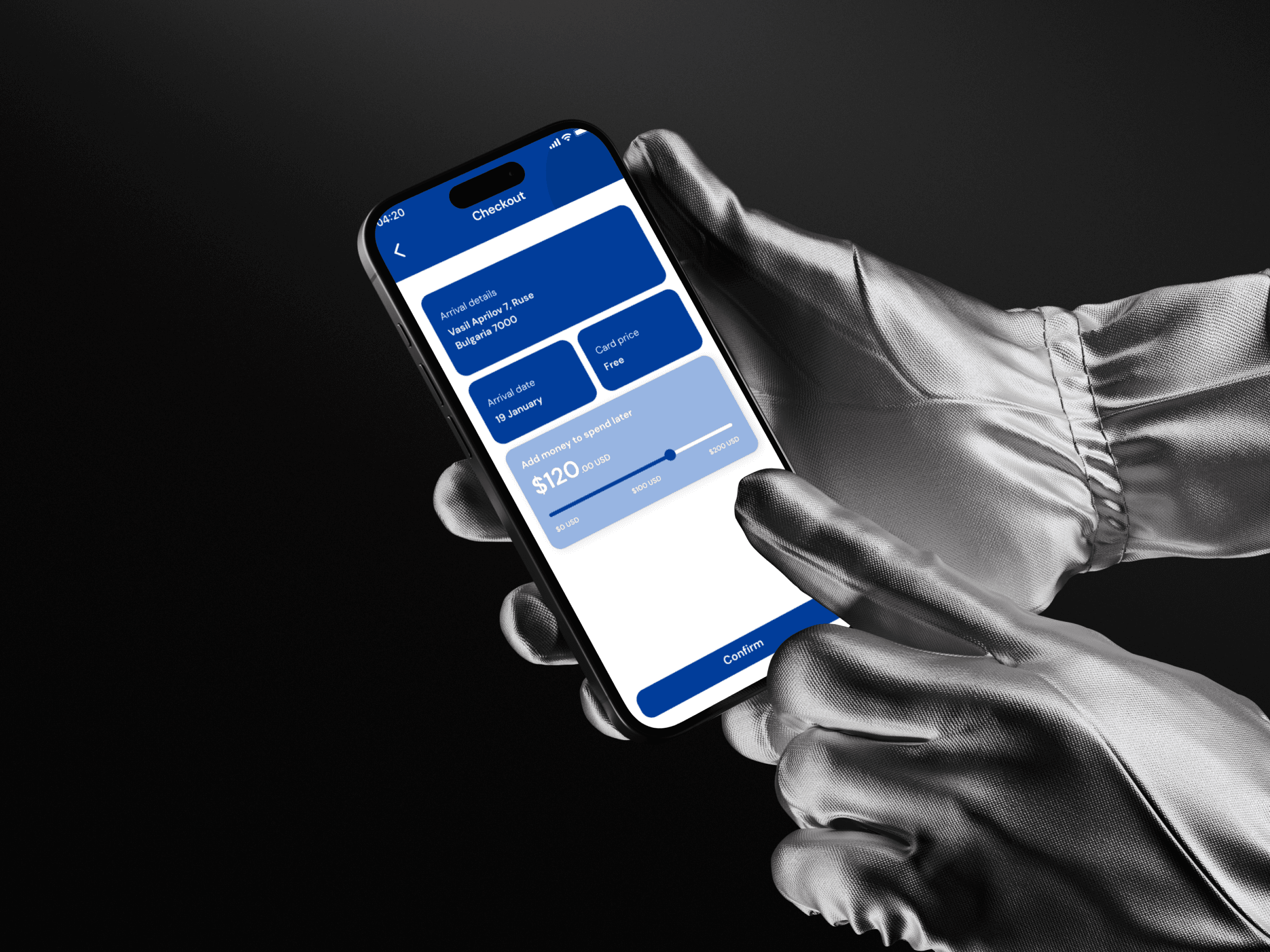
Selected work
WORK THAT SHOWS IT
FAQ
DESIGN SYSTEMS, ANSWERED
Design systems
If you have more than one product, platform or language, or your team is growing, it usually pays back within a few releases.

Newsletter
Stay ahead
with PixelA®
Join our newsletter for fresh insights, trends, and stories that fuel creativity and innovation.