Where AI Belongs in a Product: 5 Moments It Actually Helps
Article by PixelA
Most AI features fail for one reason: they're a chat box nobody asked for. The ones people use sit inside the flow they already have. Here are five moments where AI earns its place, and the three rules we design by.
Most AI features fail for one reason: they're a chat box nobody asked for. A new tab, a blank prompt, and the hope that people will figure out what to ask.
The AI features people actually use look different. They sit inside the flow people already have, and they show up at the exact moment something is slow, tedious or easy to get wrong.

01 / 08
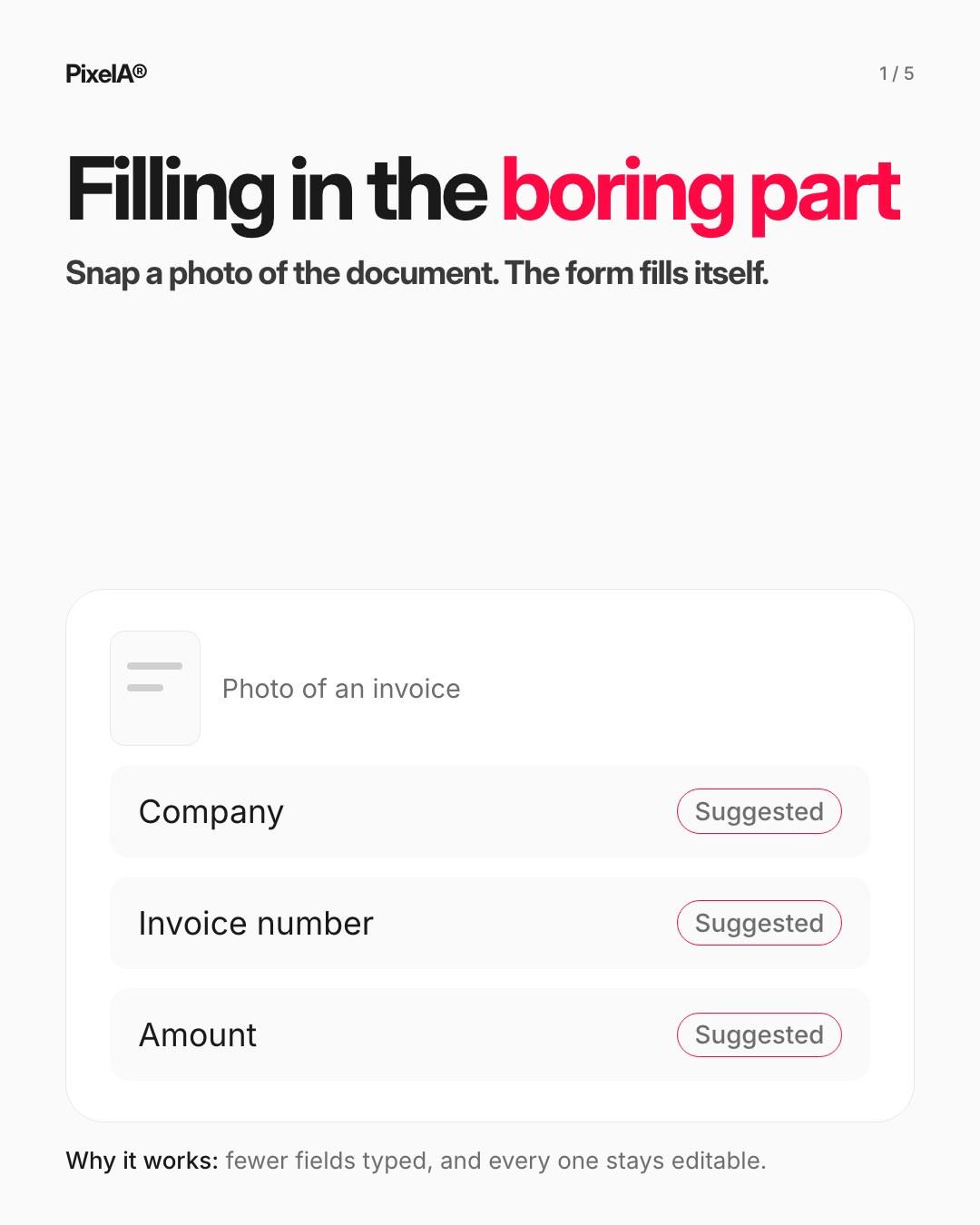
1. Filling in the boring part
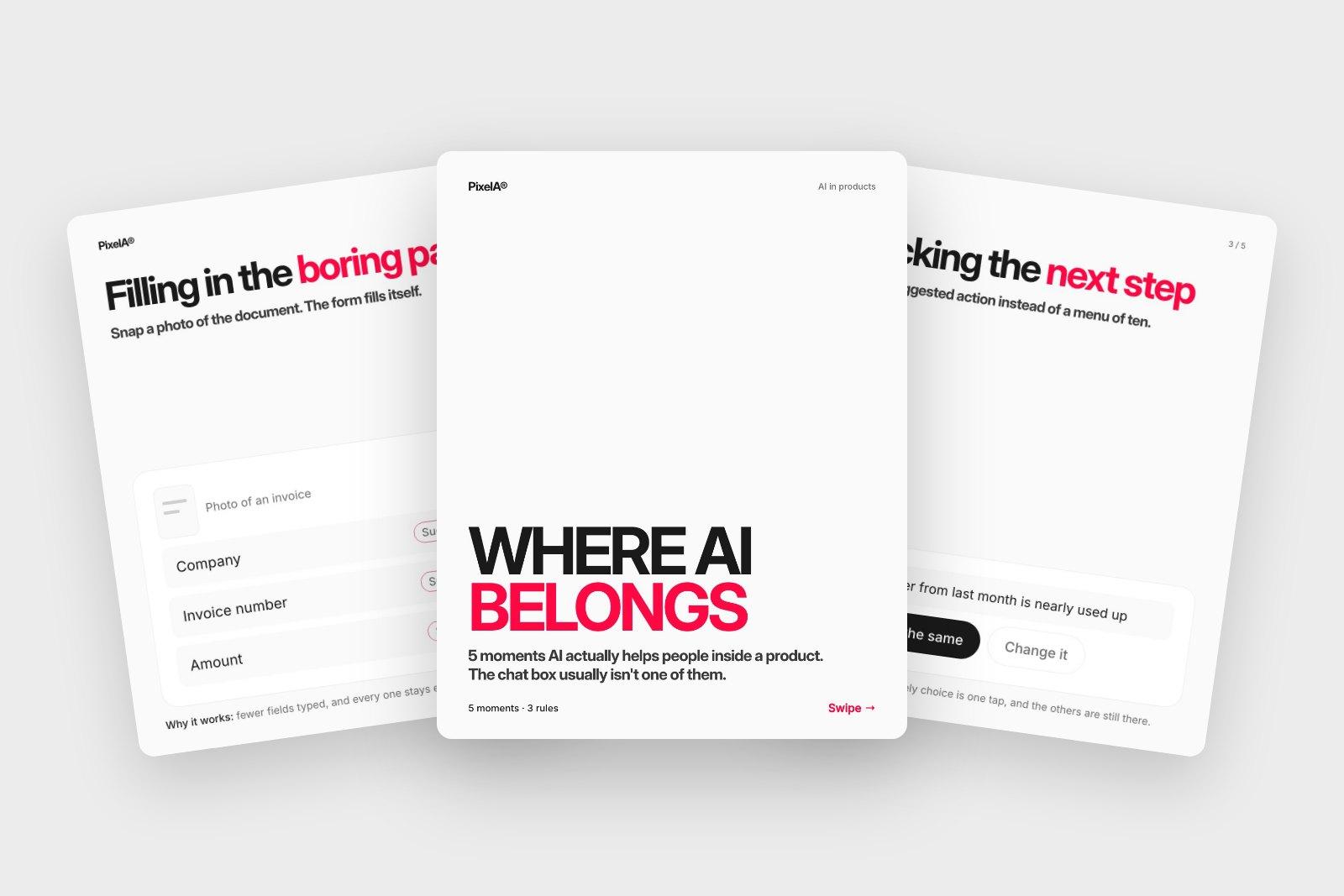
Snap a photo of an invoice, an ID or a receipt, and the form fills itself. Each field is marked as suggested and stays editable. People type less, and still check what goes in.
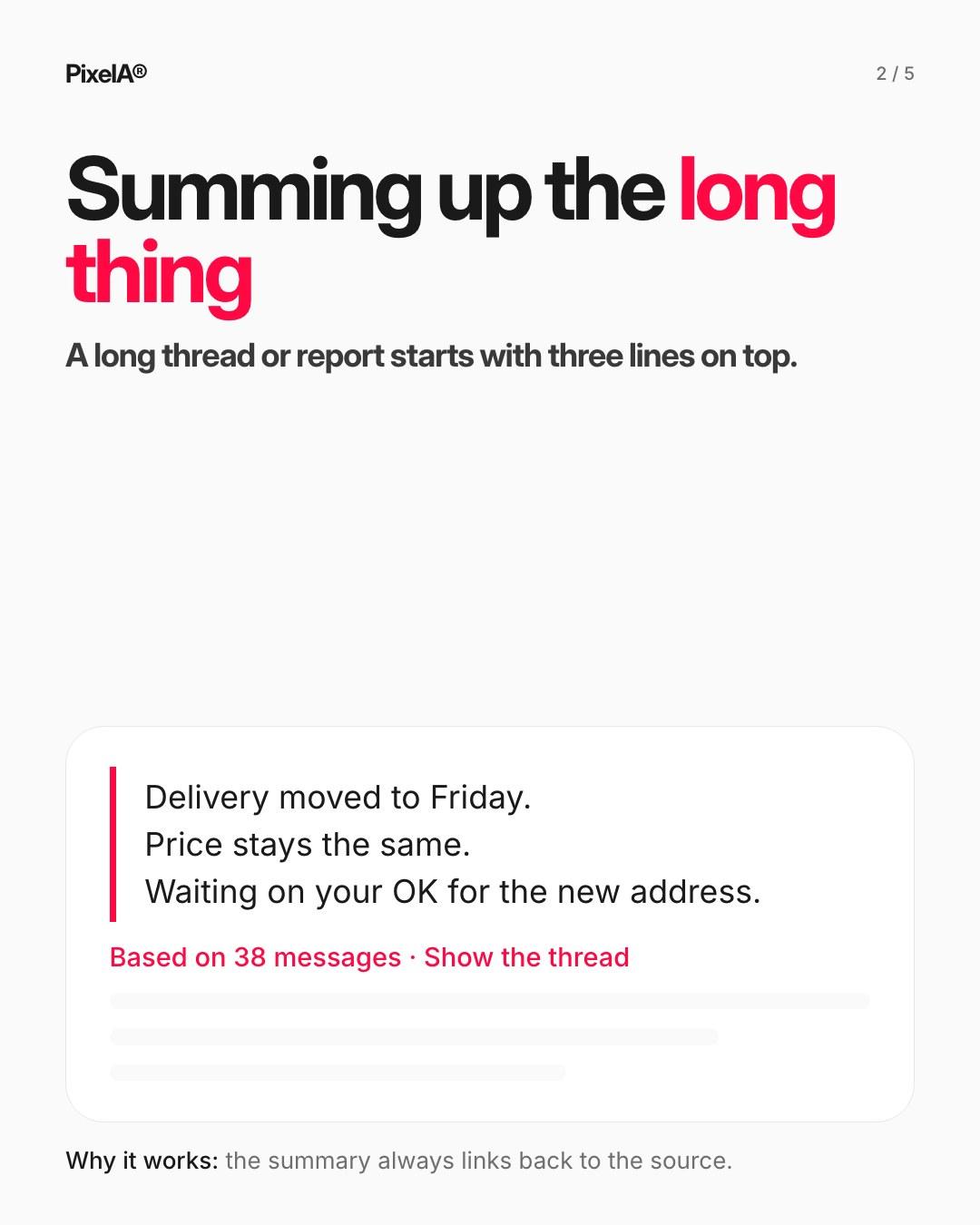
2. Summing up the long thing
A long thread, report or ticket history starts with three lines on top: what changed, what's decided, what's waiting on you. The summary always links back to the source, so nobody has to trust it blindly.
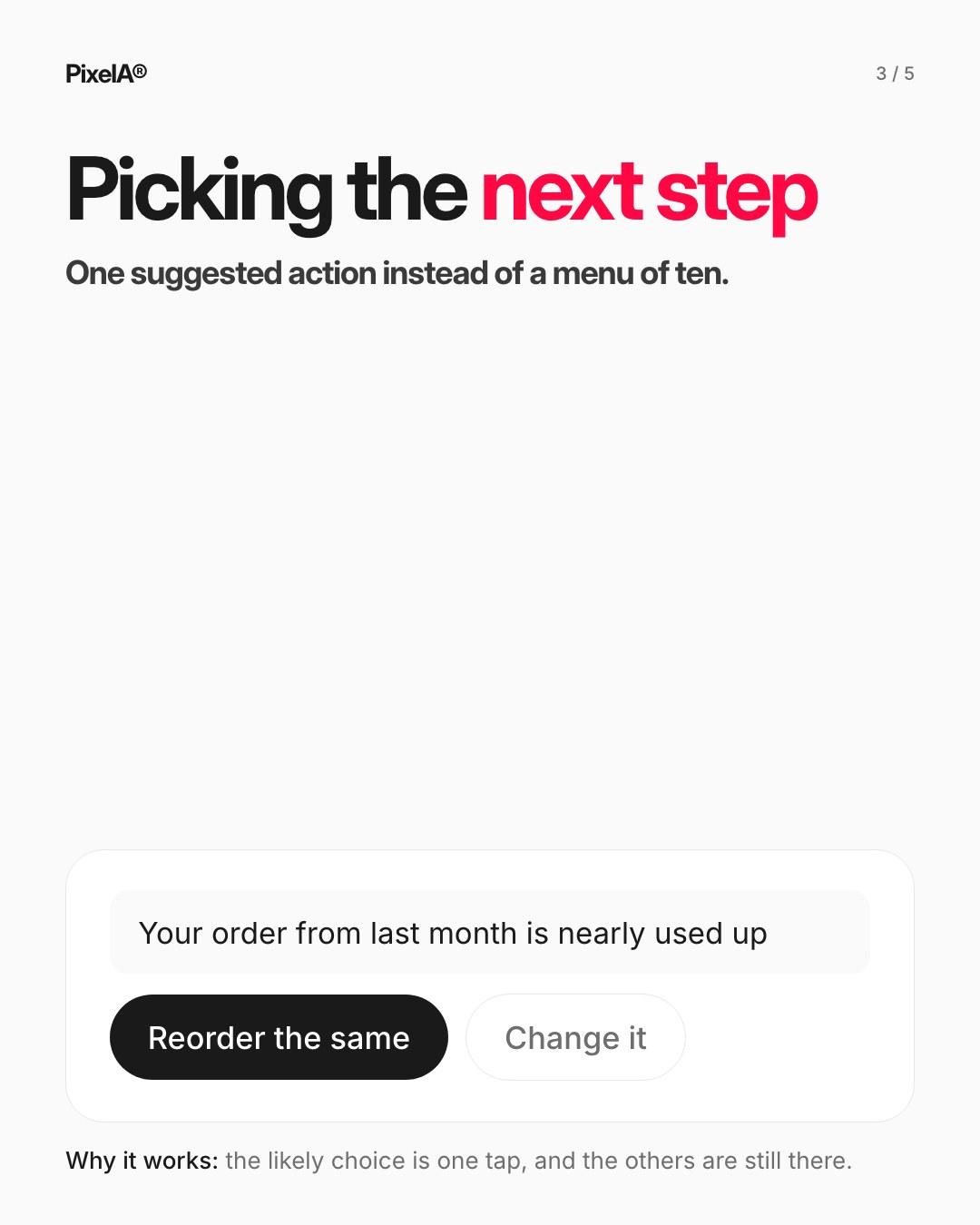
3. Picking the next step
Instead of a menu of ten actions, offer the one people most likely want, like reordering last month's order, with the other options still a tap away.
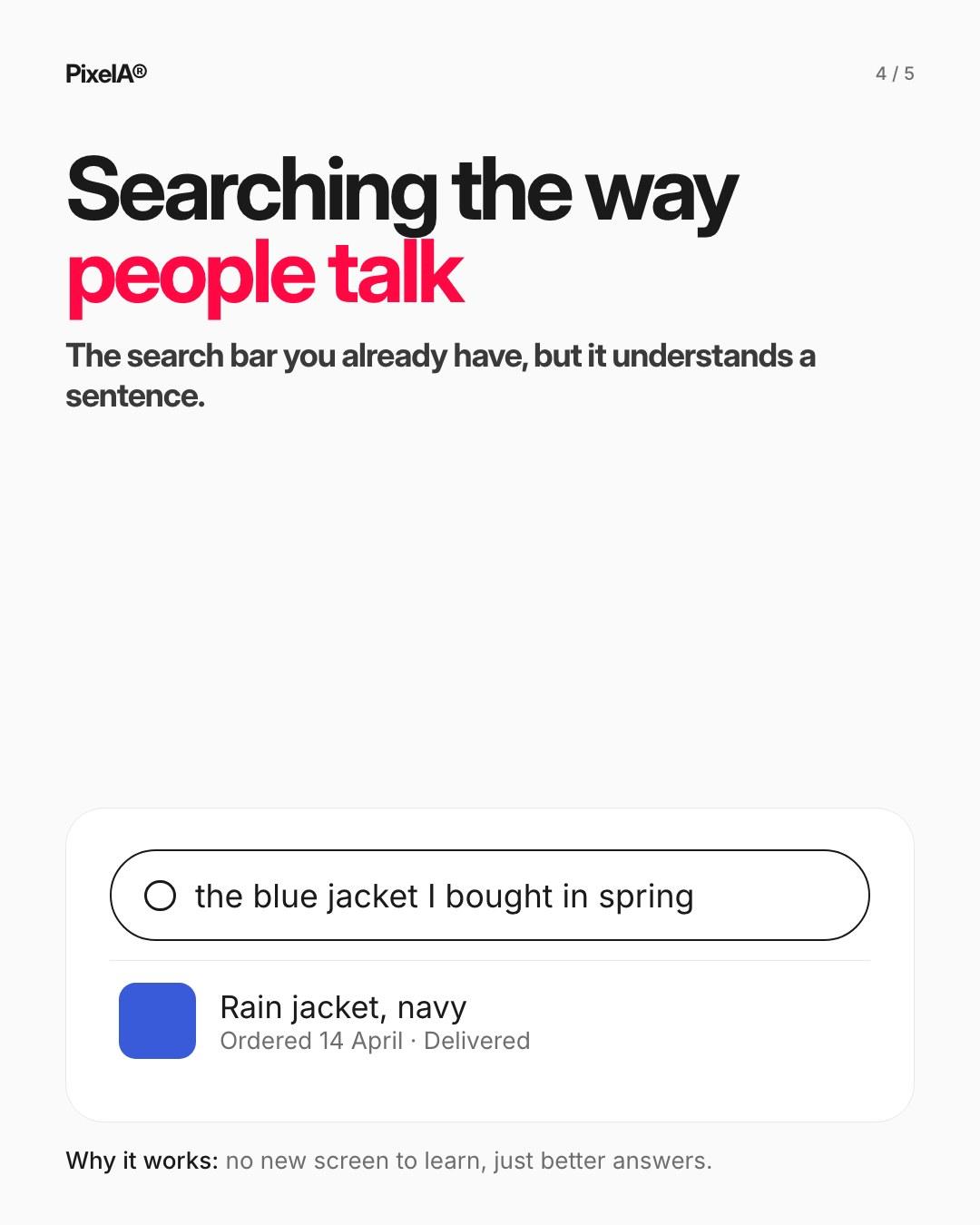
4. Searching the way people talk
"The blue jacket I bought in spring" should find the order. No new screen to learn: the search bar you already have, but it understands a sentence.
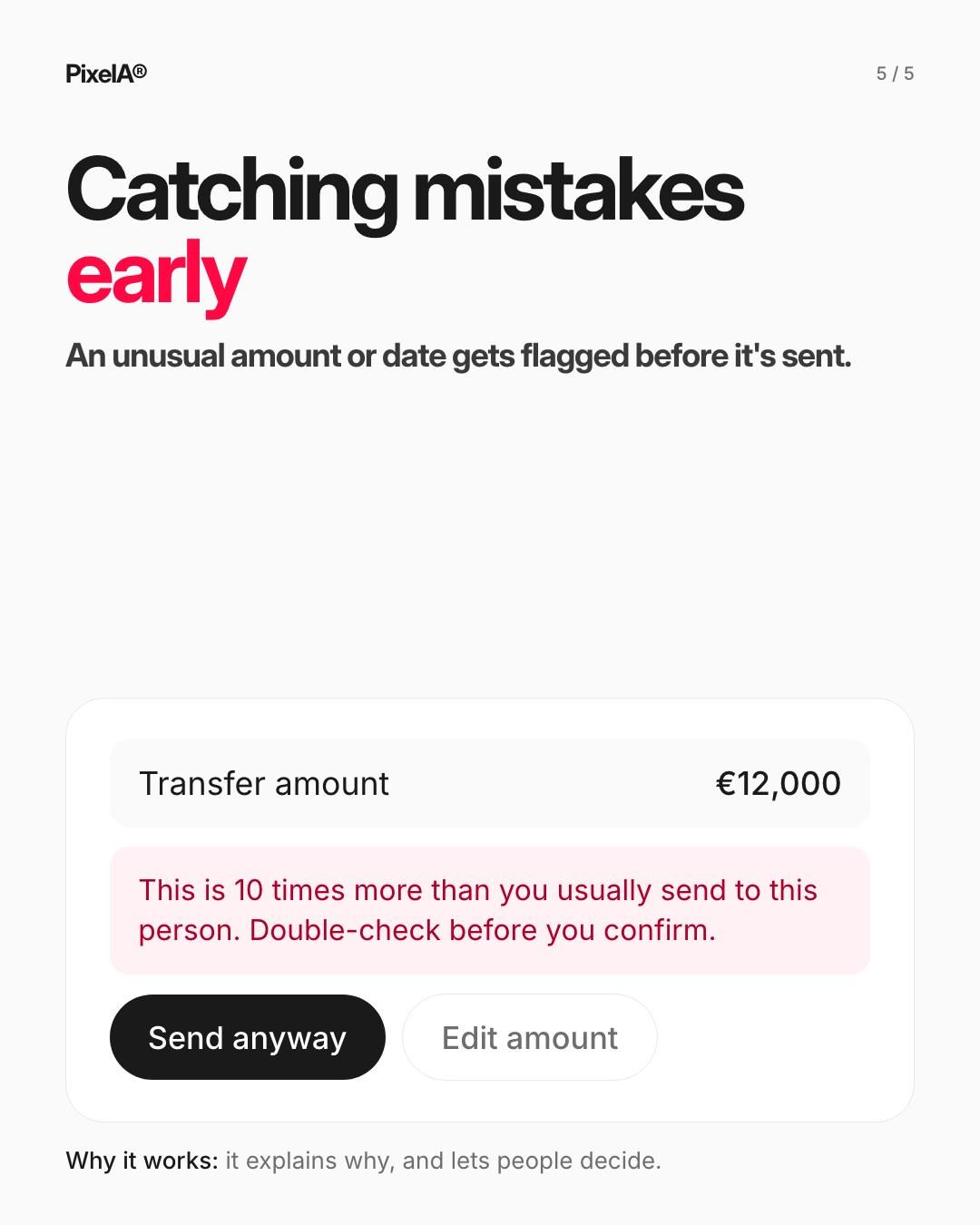
5. Catching mistakes early
An unusual amount, date or recipient gets flagged before it's sent, with the reason why. The person stays in control and decides whether to go ahead.
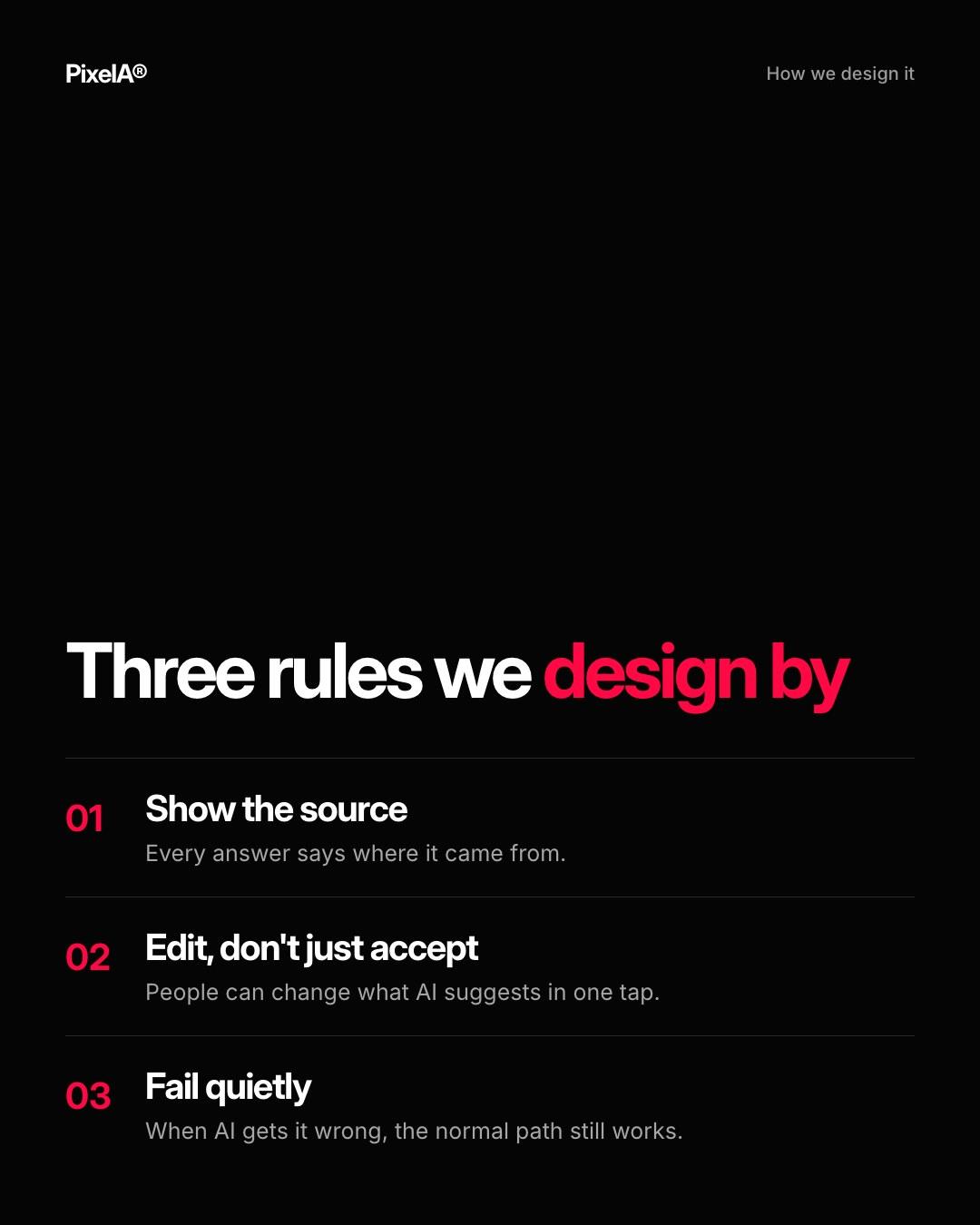
Three rules we design by
- Show the source. Every answer says where it came from.
- Edit, don't just accept. People can change what AI suggests in one tap.
- Fail quietly. When AI gets it wrong, the normal path still works.
If you're adding AI to a product, start by listing the moments your users already find slow or error-prone. That list is usually a better roadmap than any model's feature page.
We share one of these breakdowns every week on LinkedIn. Want them in your inbox instead? Subscribe at the bottom of the page.