Applying for Jobs on Your Phone? Paste Your Links in One Word
Article by Rostislav Georgiev
“Enter your LinkedIn profile link” shouldn’t mean leaving the form. A two-minute keyboard setup turns one short word into your LinkedIn, portfolio or Behance link.
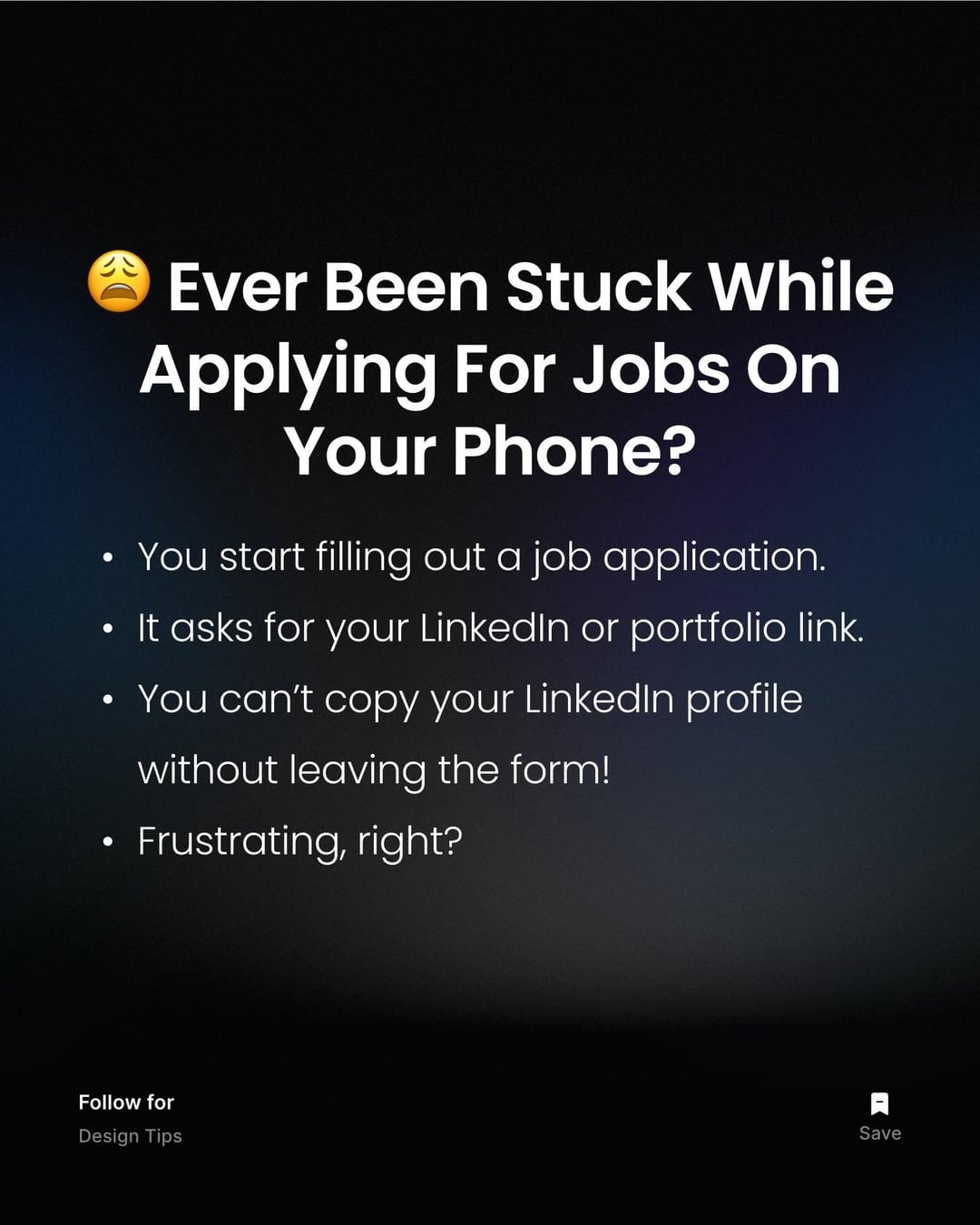
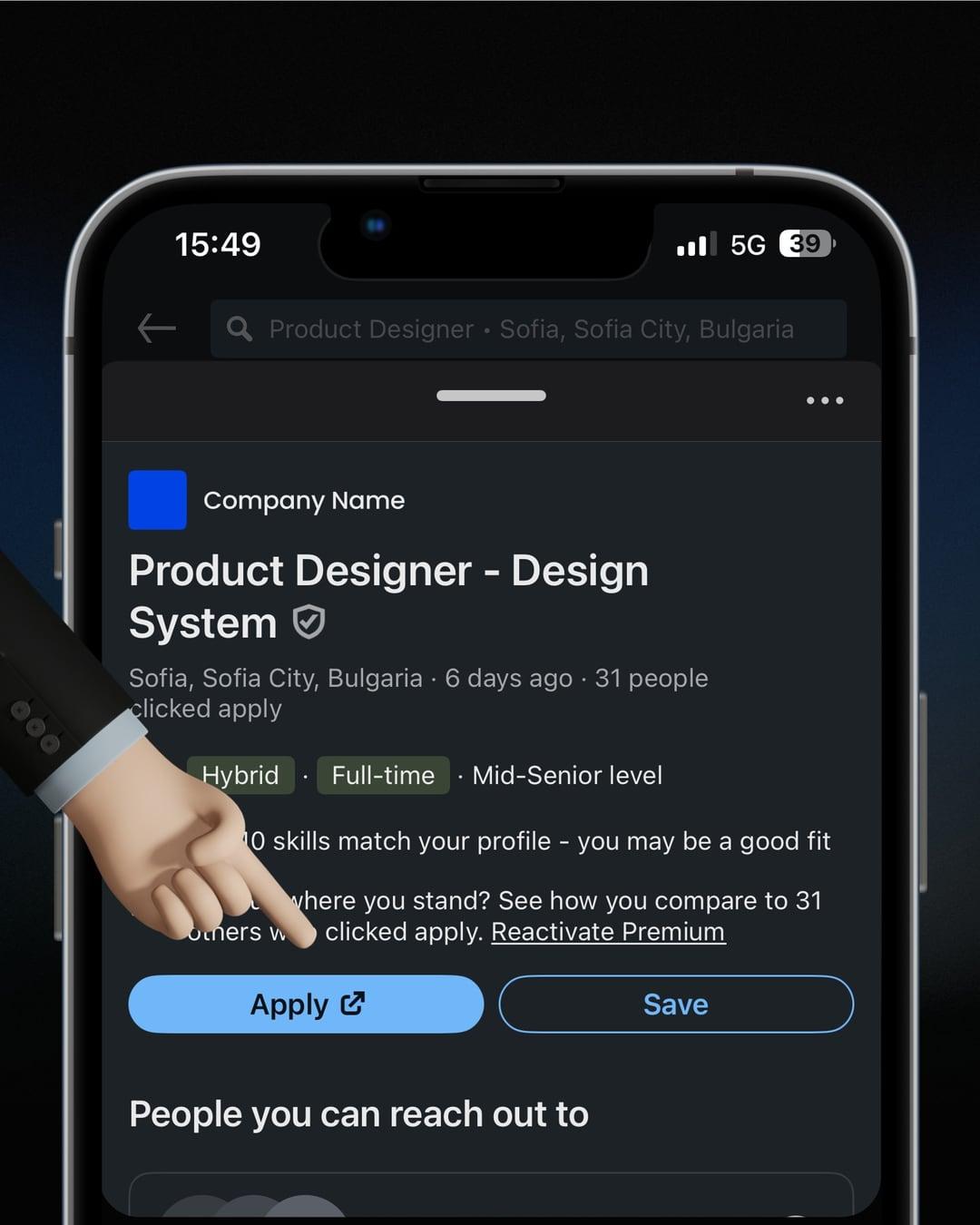
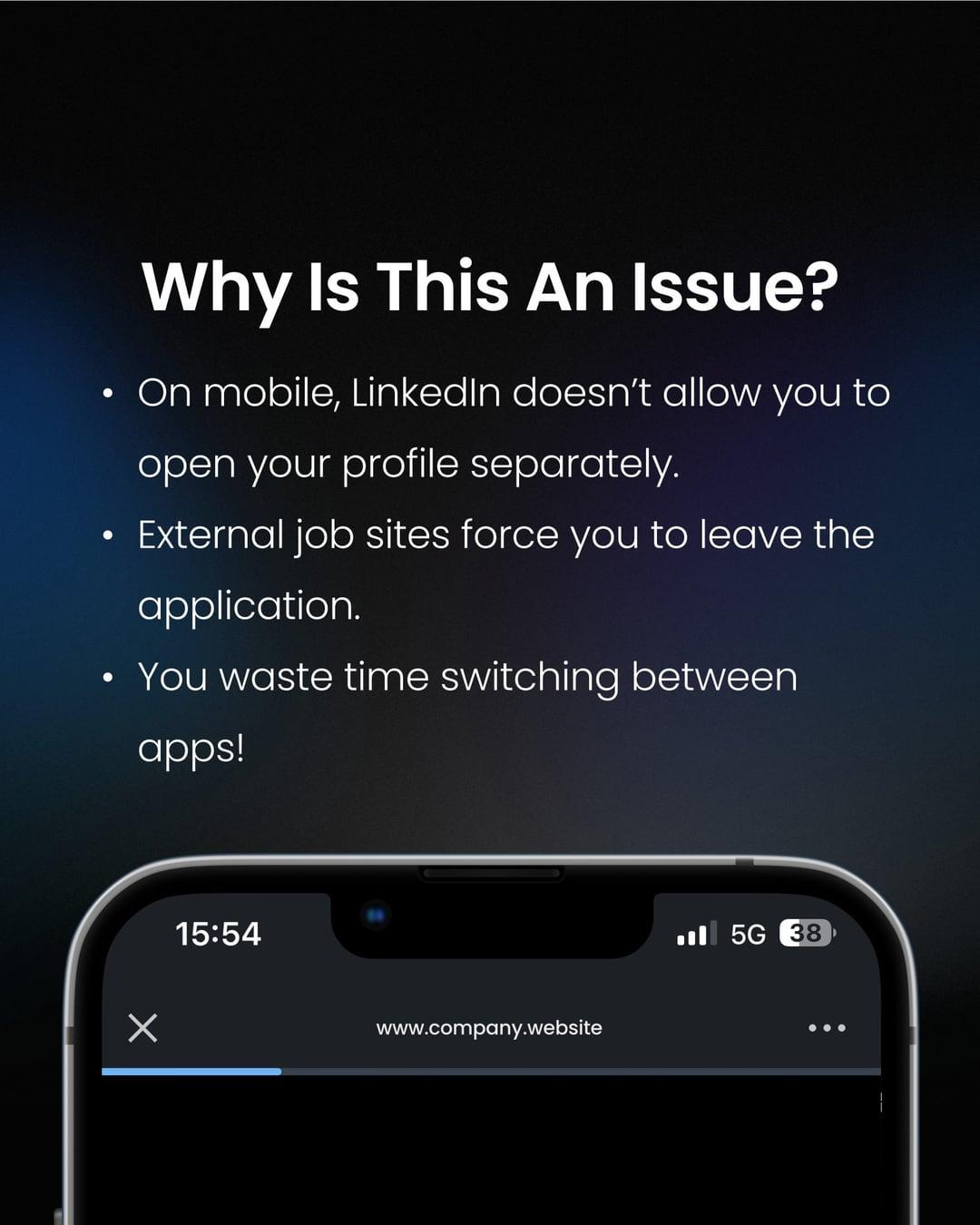
We’ve all been there. You’re applying for a job on your phone, filling out the form like a pro, and then: “Enter your LinkedIn profile link.”
Now you have to:
- Close the form.
- Open LinkedIn.
- Copy the link.
- Start all over again.
Frustrating, right? There’s a shortcut that saves time and makes job applications smoother. With your phone’s keyboard text replacements, your LinkedIn, portfolio and Behance links appear instantly, just by typing a single word.


01 / 10
Set it up on iPhone
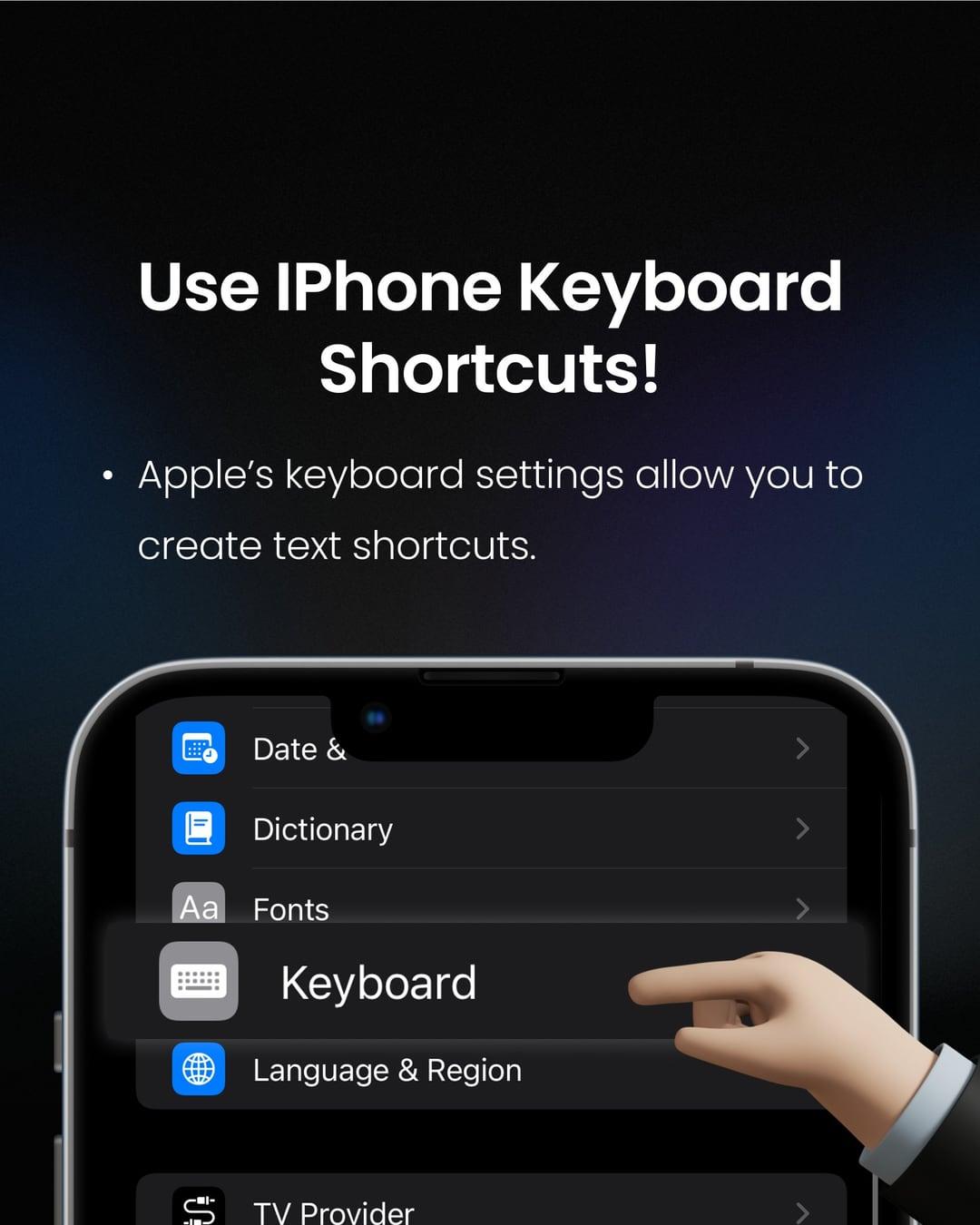
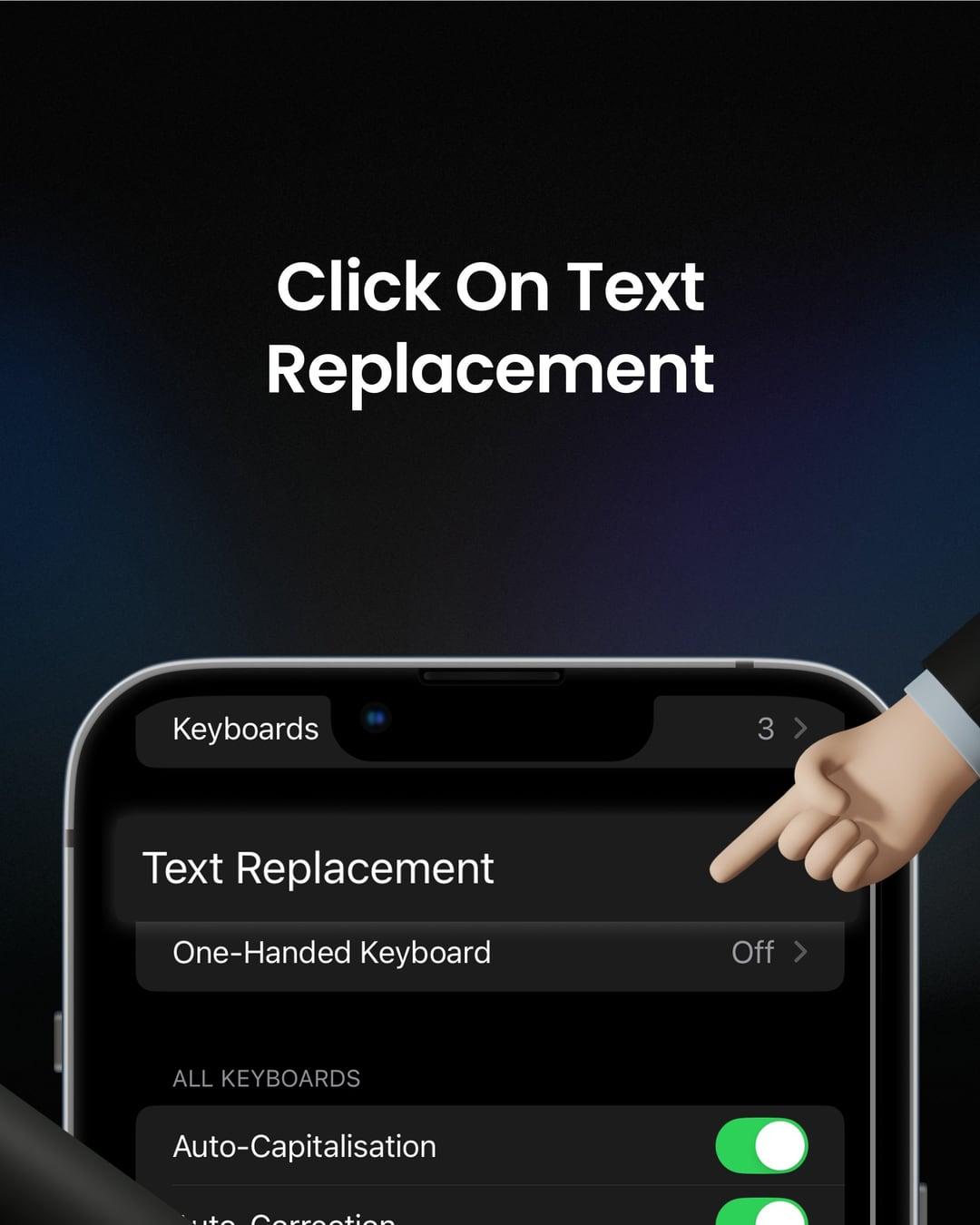
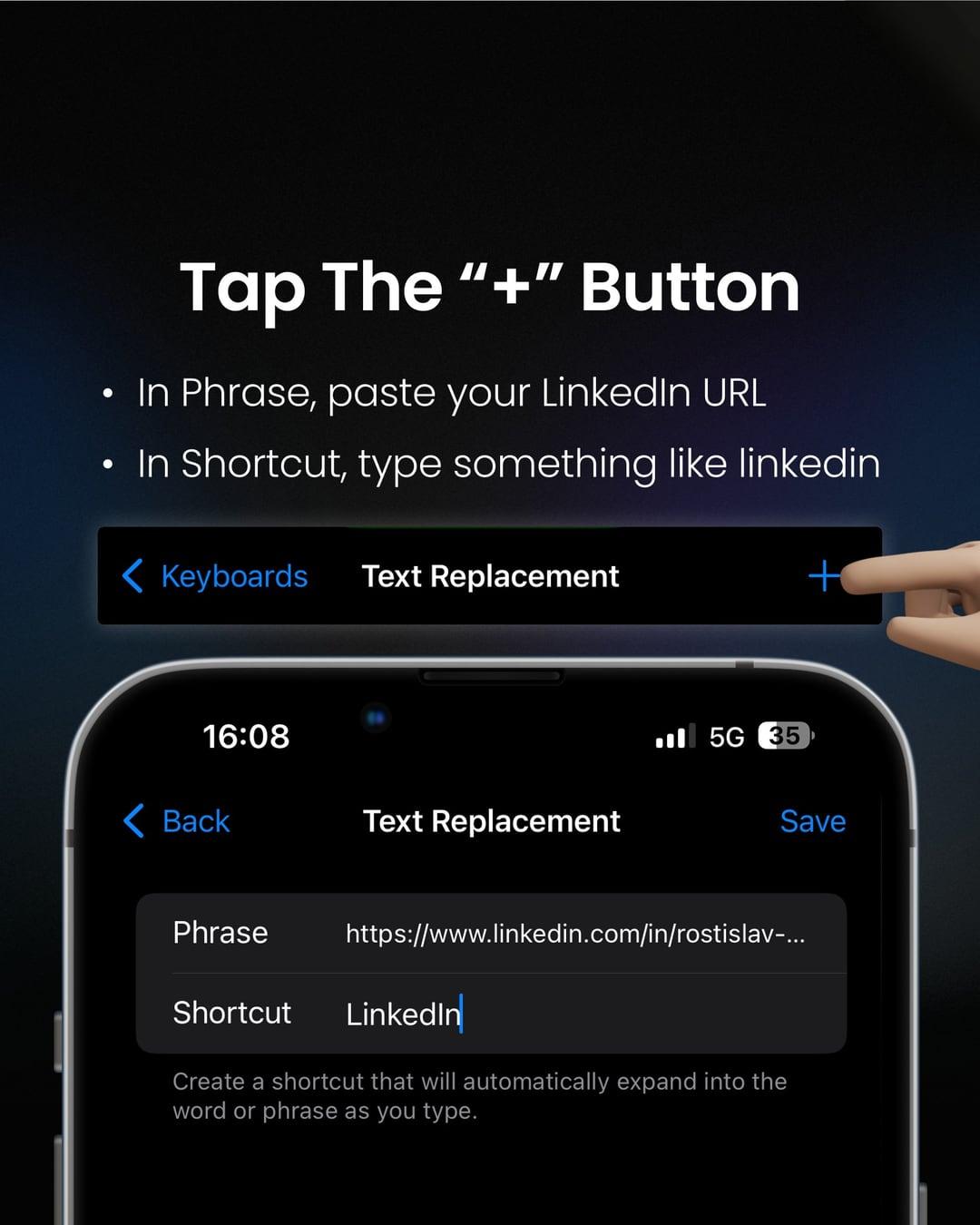
- Open Settings → General → Keyboard → Text Replacement.
- Tap +.
- In Phrase, paste the full link, for example your LinkedIn profile URL.
- In Shortcut, type a word like
linkedin. Tip: a shortcut you’d never type by accident, like;in, won’t pop up in normal messages. - Tap Save, and repeat for your portfolio, Behance or email.
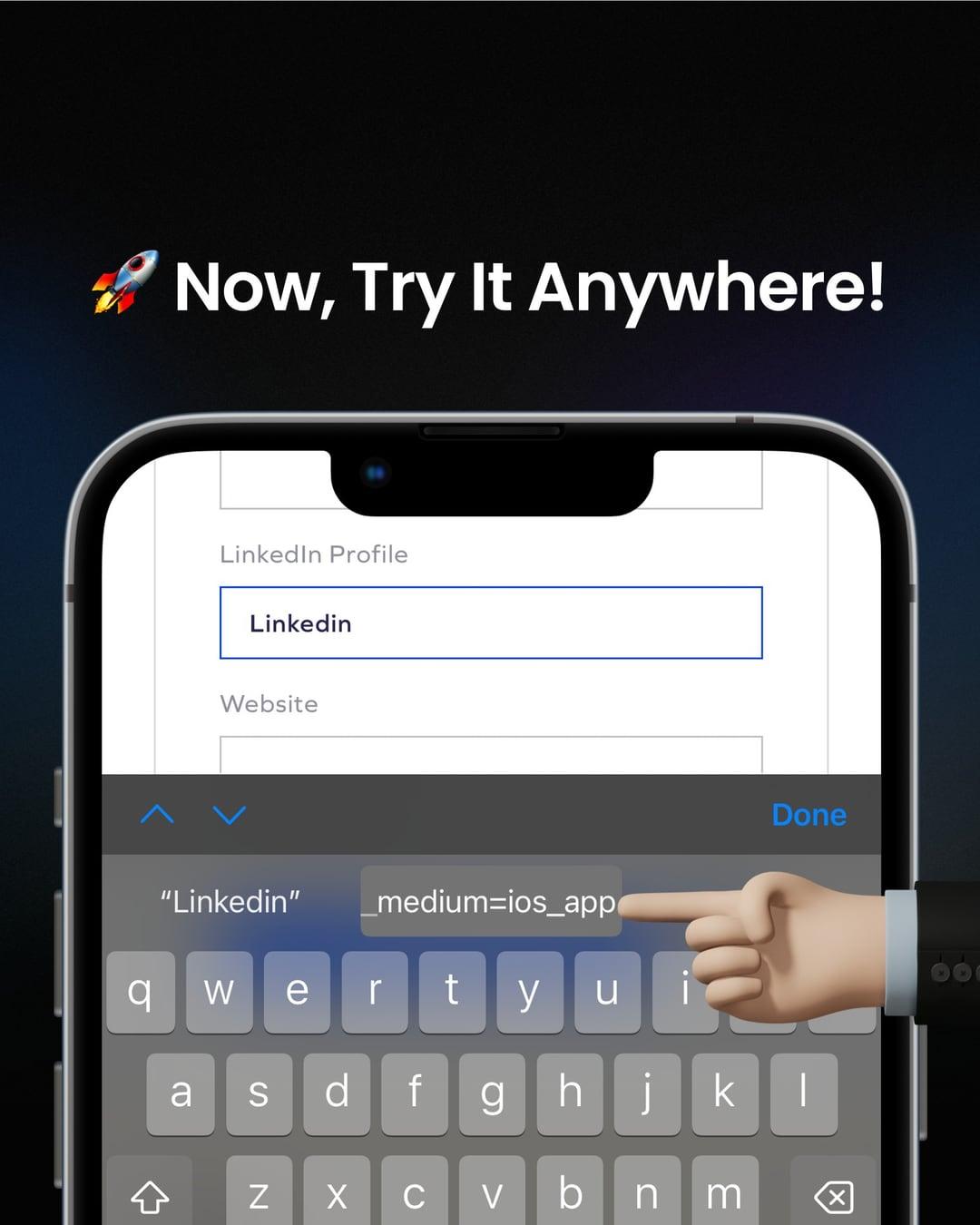
Now, in any form, type your shortcut and tap the suggestion above the keyboard. The whole link drops in. Text replacements sync through iCloud, so they work on your Mac too.
Set it up on Android (Gboard)
- Open Gboard settings → Dictionary → Personal dictionary, then choose your language.
- Tap +, paste the link as the word, and add a shortcut like
linkedin. - Type the shortcut in any form and pick the suggestion.
Why it matters
It’s a small thing, but small frictions are where people give up. Every extra step between someone and the “Submit” button is a chance for them to close the tab. As designers, we spend a lot of time removing steps like these from the products we build. It’s worth doing the same for ourselves.
Have you tried this trick before, or do you have other hacks for job hunting? Tell us, we read every message.
Originally shared on LinkedIn.